


Stay StreetSmart:
Tips to Keep Your Finances Safe
Stay Secure. Stay Informed. Stay StreetSmart.
Featured Story
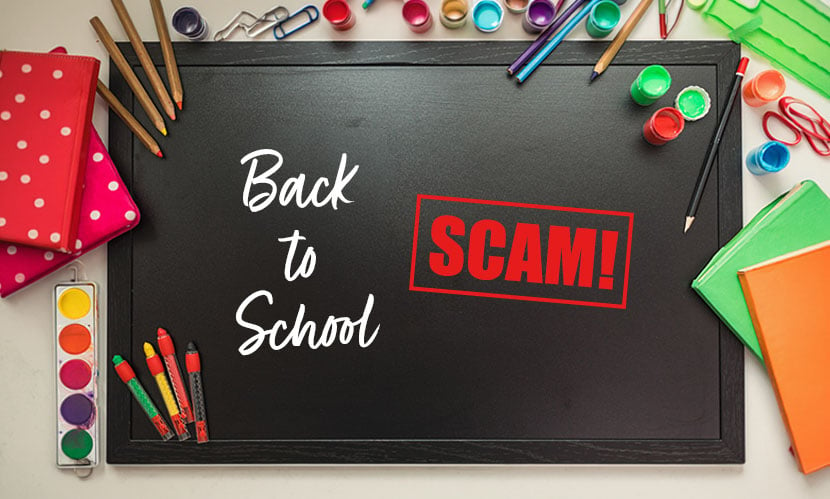
SCHOOL IS IN SESSION: STAY SCAM SMART THIS SEMESTER
As students and families prepare for a new school year, scammers are preparing too. Fraudsters may target members through fake scholarships, tuition alerts, social media offers, student job postings, payment apps, and online marketplace listings. Use this guide to spot red flags, pause before sending money, and verify requests through trusted sources.
Fraud & Security Tips
Keep Your Accounts Secure in a Digital World: Password Best Practices
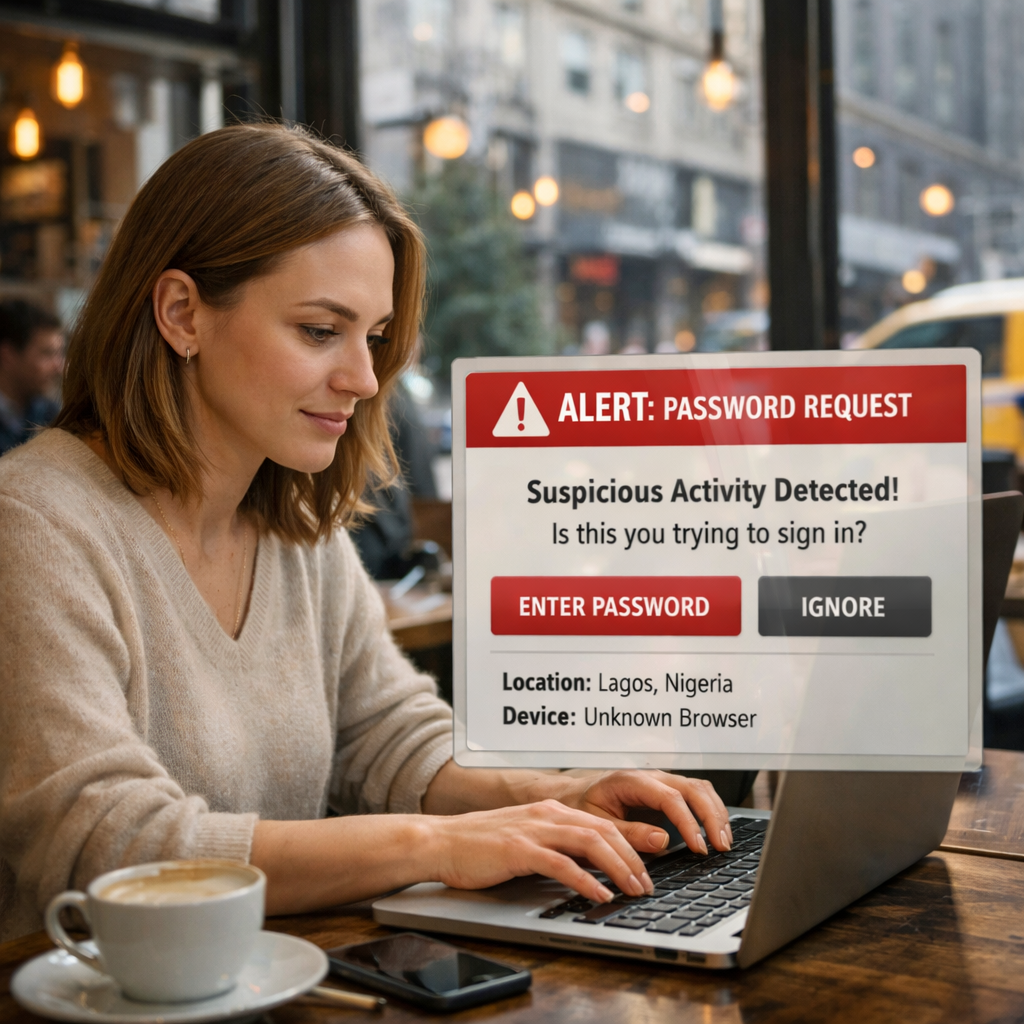
Weak or reused passwords remain one of the most common ways cyber criminals gain access to personal accounts. Click for some Password Best Practices.
Avoid Holiday Fraud Scams This Season
‘Tis the Season for Gift Giving — and for Scammers to StrikeThe holidays bring out the best in people — but they also attract fraudsters looking to take advantage of your generosity and busy schedule.
Don’t Get Hooked: Spotting Phishing Scams in the City That Never Sleeps
New Yorkers know hustle when we see it — but in the digital world, scammers have their own kind of hustle, and it’s called phishing.
Protect Your Money in 5 Minutes or Less
We all know how to keep an eye on our wallets when we’re riding the subway or walking through Times Square. But in today’s world, the real pickpockets aren’t on the streets — they’re online. And the fastest way to stop them? Keep your devices updated.
Mobile Banking in the City: Stay Secure on the Go
Life in New York moves fast — from swiping into the subway to grabbing a coffee between meetings, your phone is always in hand. It’s your map, your wallet, your bank branch, and sometimes your lifeline. But with all that convenience comes a big responsibility: keeping your device — and your money — safe.
Reporting Suspected Scams
If you suspect that your account has been compromised, or have any questions, please don't hesitate to contact MCU @
1-844-MCU-NYNY
(1-844-628-6969).
In addition here are other resources for your protection:
Anti-Phishing Working Group
If you receive a suspected phishing email, forward it to the Anti-Phishing Working Group at reportphishing@apwg.org.
If you receive a suspected phishing text message, forward it to SPAM (7726).
FTC
Report the phishing attempt to the FTC at ReportFraud.ftc.gov.
In Google, click the three dots next to your Reply option and select “Report Phishing”. A panel will open, asking you to confirm that you wish to report the email. Click “Report Phishing Message” and the email will be reviewed.
Outlook
In the Outlook Web App, click the three dots next to the Reply option and choose “Mark as Phishing”. A panel will open, asking you to confirm that you wish to report the email. Click “Report” and the email will be reviewed. (The Outlook client does not offer this option.)
Apple
Apple asks that you forward the suspicious email to reportphishing@apple.com.
IRS
Treasury Inspector General
Contact the Treasury Inspector General for Tax administration to report the call at: IRS Impersonation Scam Reporting.
You can also reach out to the MCU Contact Center with any queries about your MCU account at: 1-844-628-6969.
Disclaimer:
The topics covered are provided for educational and informational purposes only and do not constitute legal or financial advice.

Previous Menu

-jpg.jpeg?width=312&height=170&name=04_09_26_auto_loan_header%20(2)-jpg.jpeg)